Folder navigation
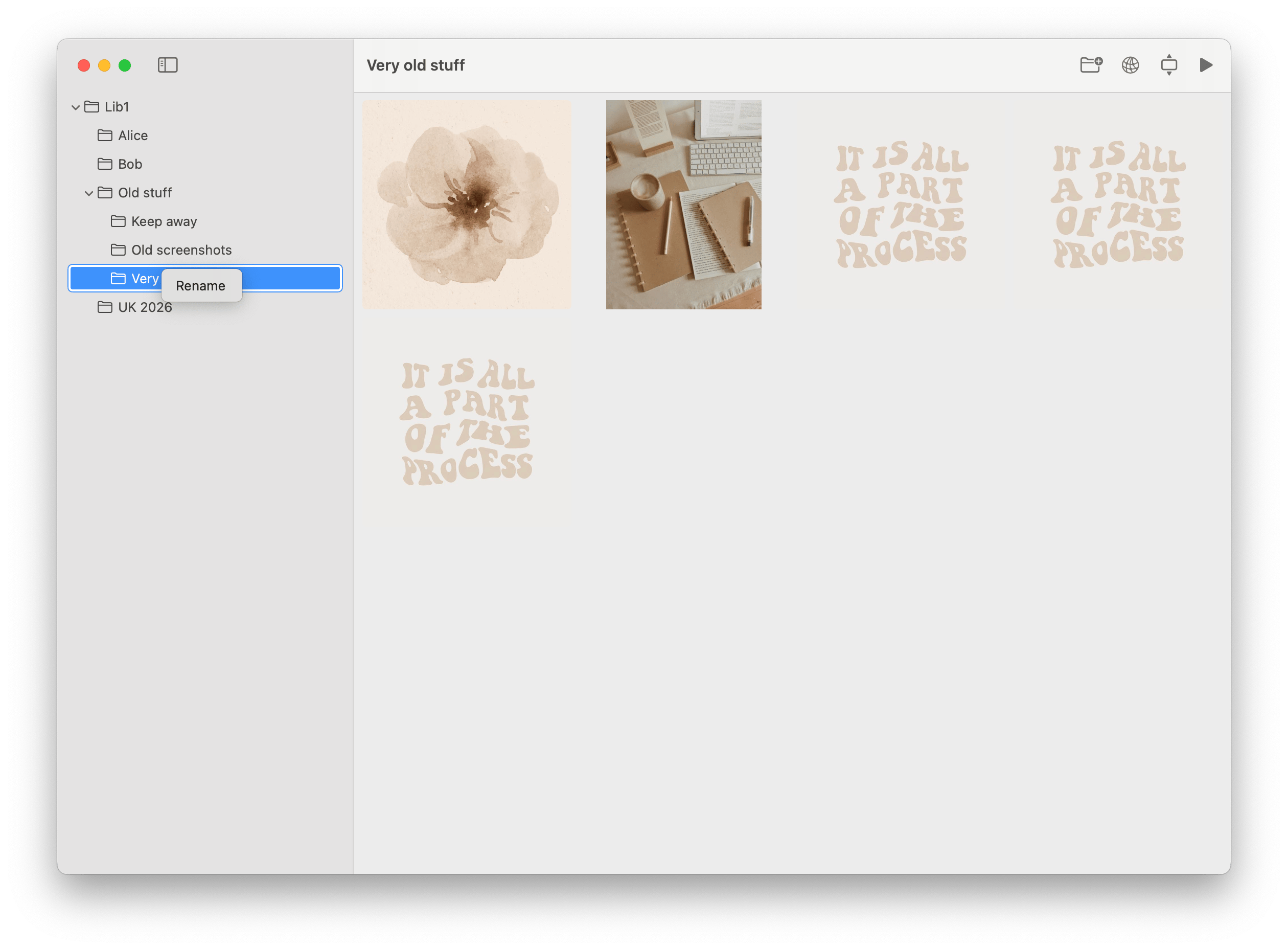
Browse like Finder, not like an import queue
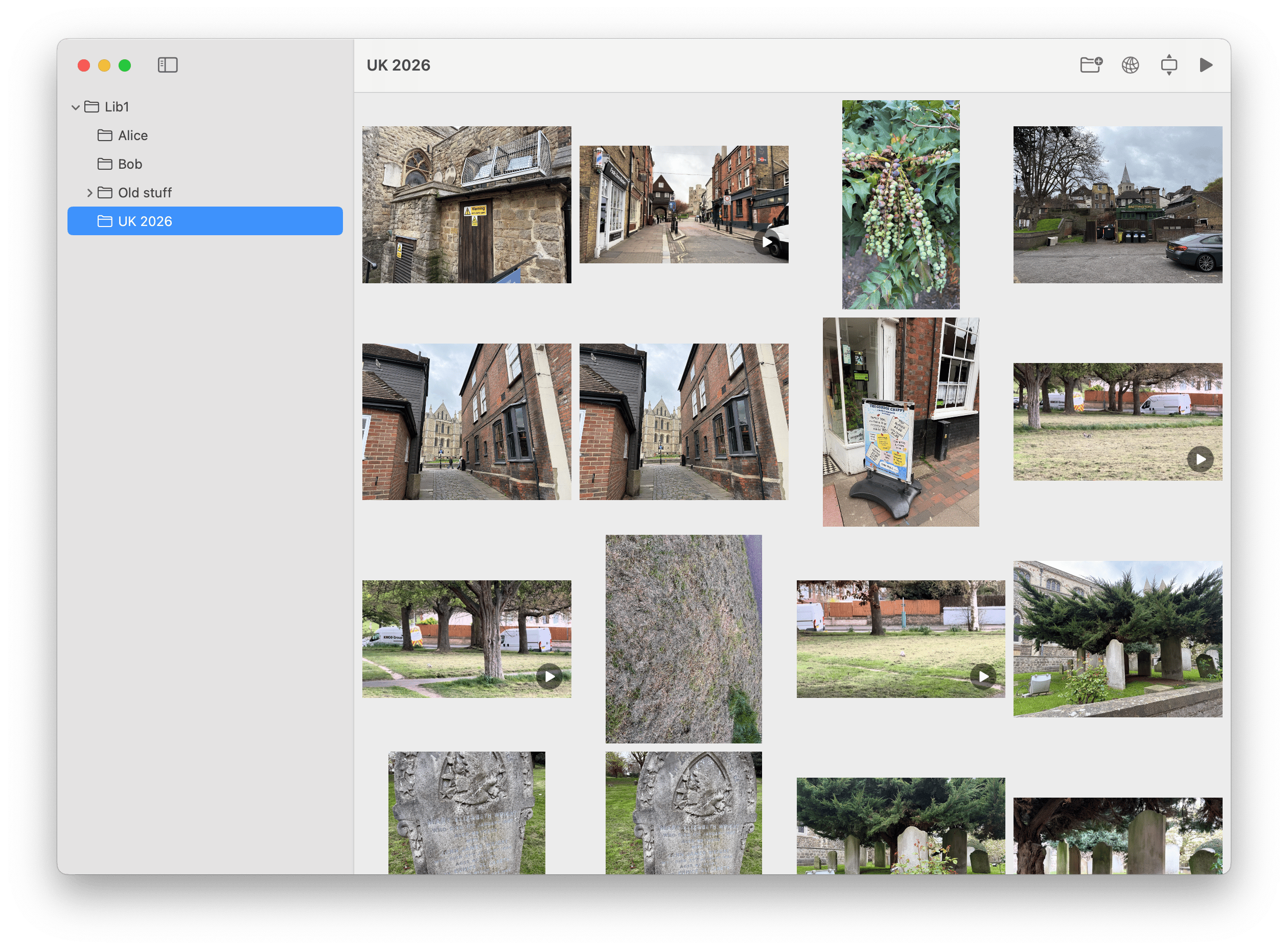
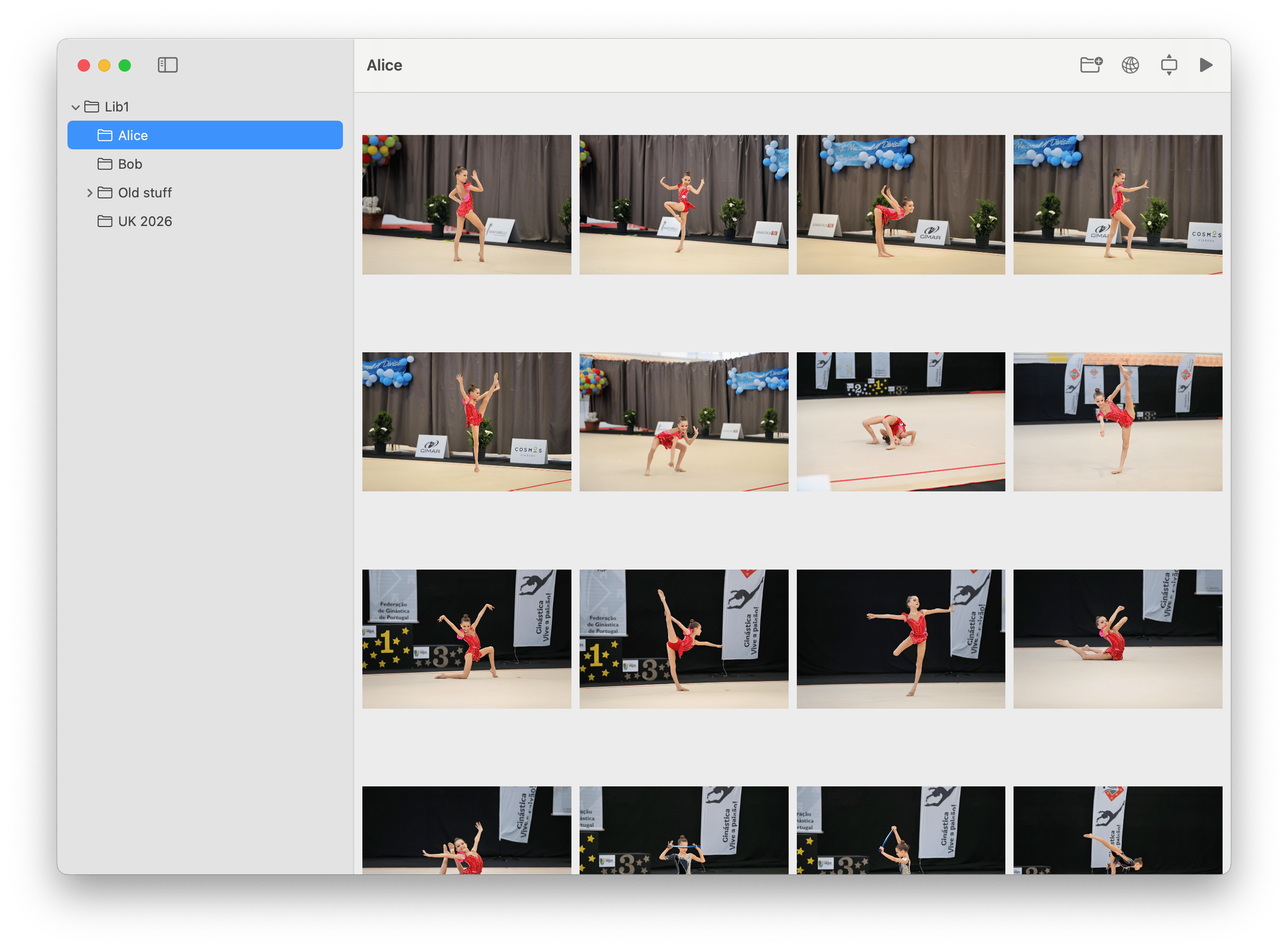
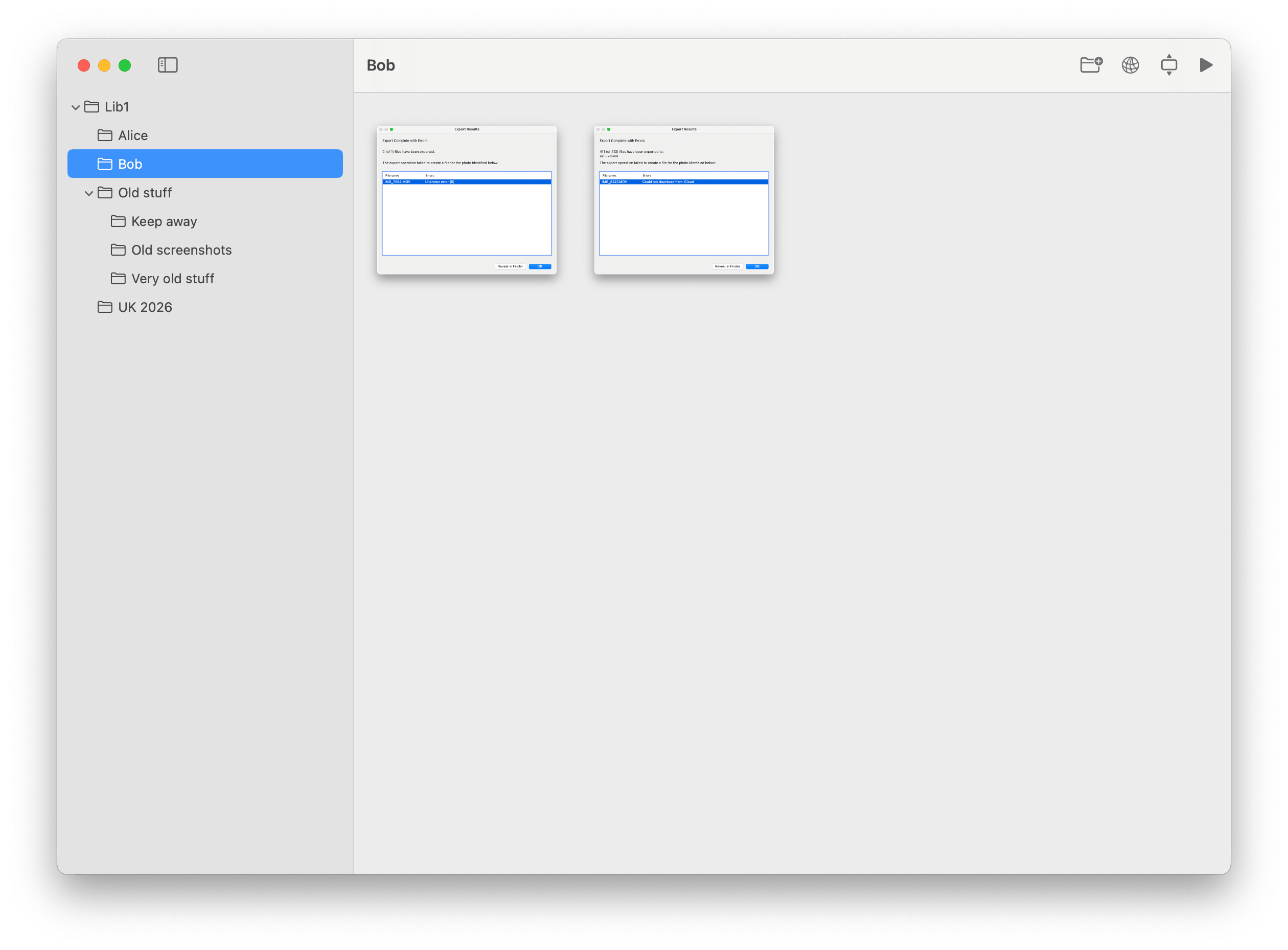
The sidebar mirrors your directory structure and keeps subfolders visible and collapsible without hiding where your files actually live.

Folderstream
macOS photo browser
Folderstream turns any folder into a clean, full-window photo library on macOS. Browse instantly, move through images with the keyboard, keep organizing in Finder, and stream the same library to DLNA devices on your network.
Instant library
Open a folder and browse without importing, indexing, or changing your file structure.
Live updates
Folderstream watches the library tree and refreshes when files or folders change.
Why Folderstream
The app is based on the repository’s actual capabilities: hierarchical folder navigation, QuickLook thumbnails, keyboard-driven fullscreen viewing, live file-system sync, and an optional DLNA media server.
Folder navigation
The sidebar mirrors your directory structure and keeps subfolders visible and collapsible without hiding where your files actually live.
Photo detail
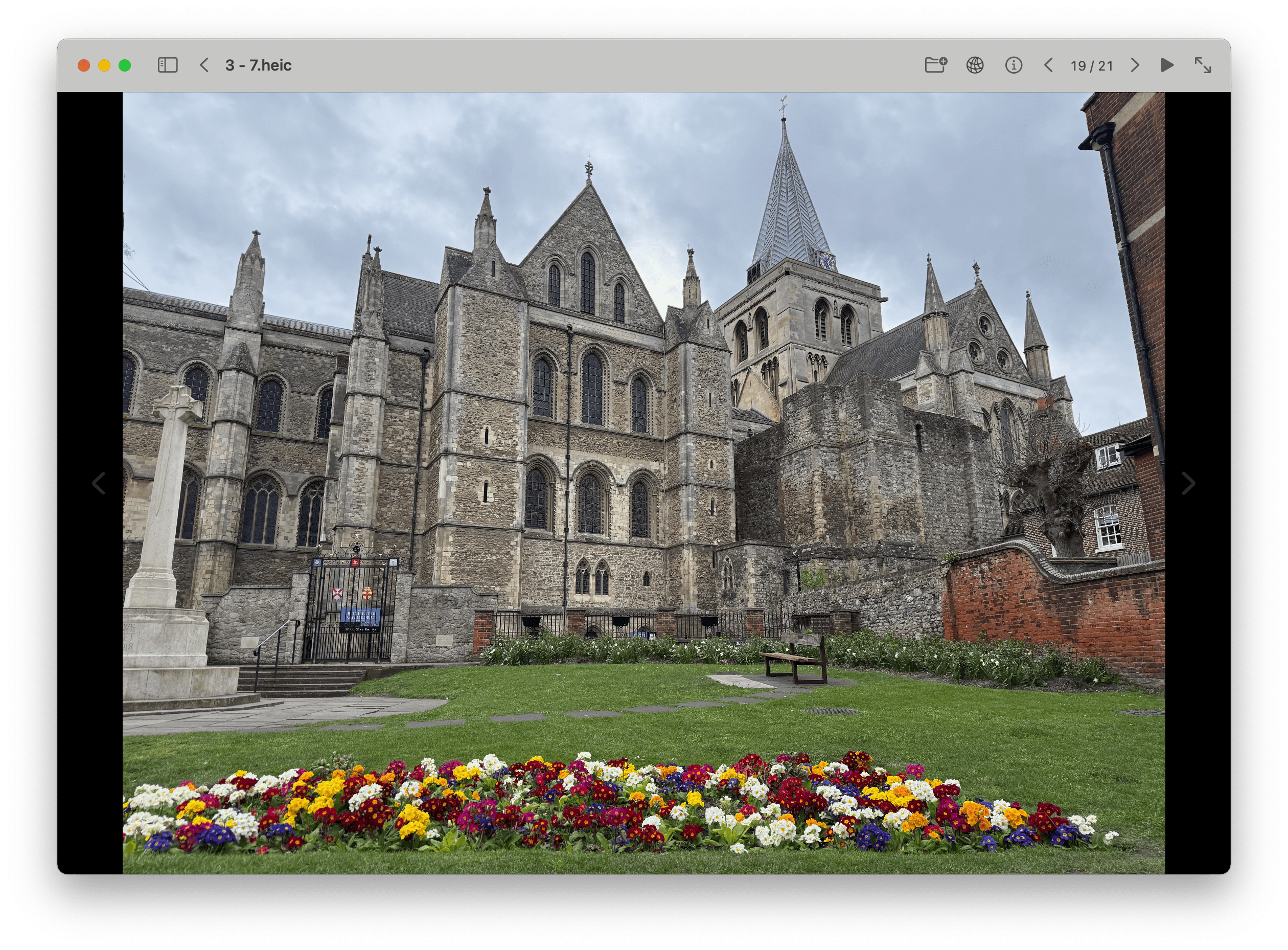
Open any image or video into a full-window viewer, move with the arrow keys, and jump back to the grid with Escape.
Read-only by design
Folderstream is a browser, not a file manager. Your library stays organized in Finder, and the app simply reflects what is already on disk.
Local streaming
Start the built-in server and compatible TVs, media players, and apps on your network can discover and stream your media.
Immersive viewing
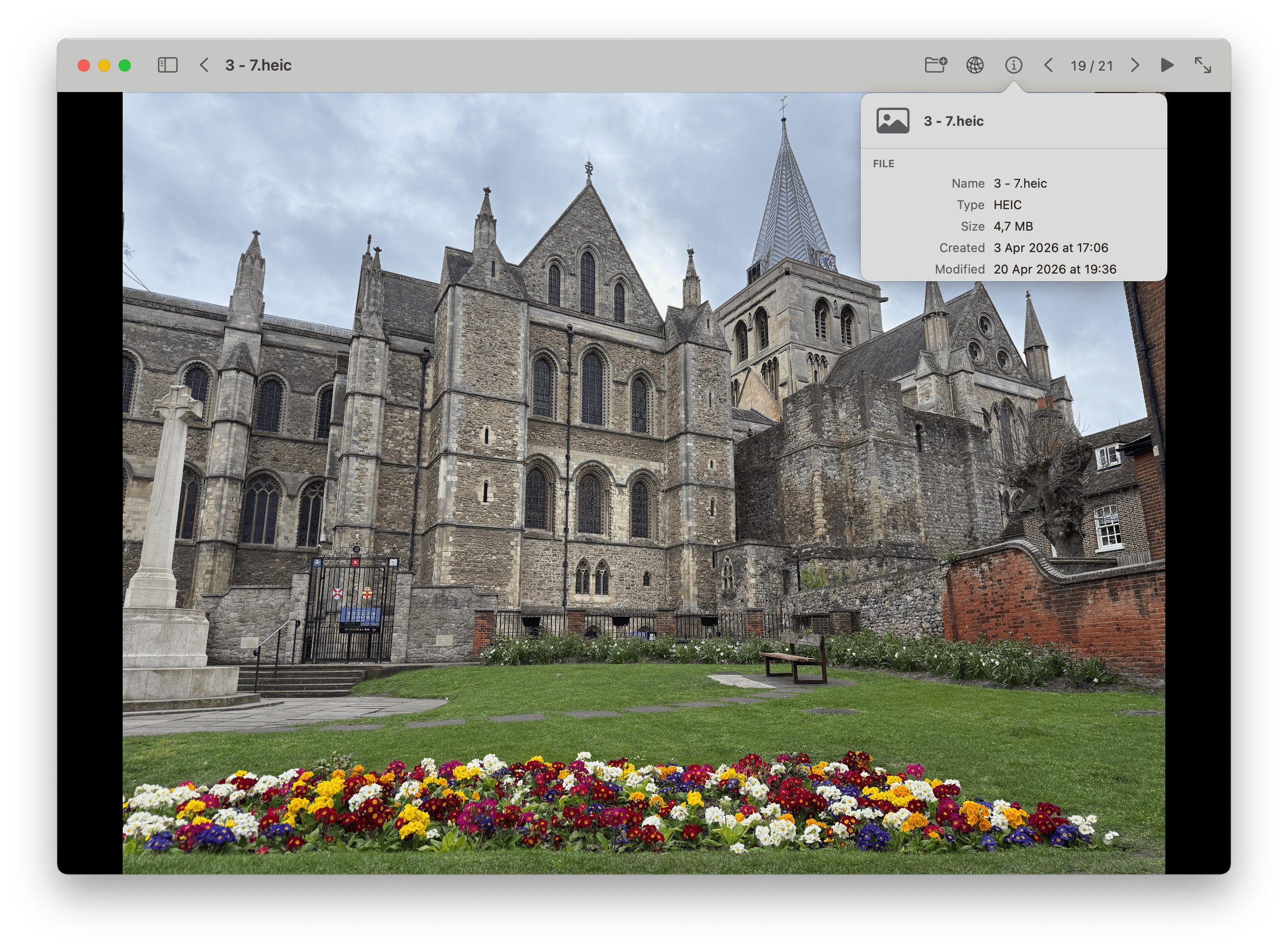
The viewer fills the window for photos and videos, keeping the experience focused and lightweight. The repository also shows support for metadata popovers and inline AVPlayer playback.
Keyboard flow
Left and right arrows move between media. Escape returns to the grid.
Mixed media
Photos and videos live in the same browser instead of separate tools.
Workflow
Open any photo folder
Choose a directory from the toolbar, drag it onto the window, or open it from the dock.
Browse while Finder stays the source of truth
Navigate subfolders in Folderstream, then rename, move, or sort files in Finder. The app refreshes when the library changes on disk.
Optionally stream everywhere
Enable the built-in DLNA server and browse the same library from compatible TVs and local media players.
Contacts
For support, product questions, or licensing enquiries, contact:
Security
The app is sandboxed and uses com.apple.security.files.user-selected.read-write, which
means file access is tied to folders the user selects.
The optional DLNA feature uses additional network entitlements for local discovery and streaming. When enabled, compatible devices on the same network can discover the server and browse the selected library.
If DLNA sharing is not turned on, the app functions as a local desktop browser for your folder-based media library.
FAQ
No. Folderstream opens an existing folder as your library. It browses your current structure and does not require an import step or reorganize files for you.
Folderstream is designed as a read-only browser for the selected folder tree. It does not reorganize your library or depend on sidecar database files inside your photo folders.
Both. The project includes photo browsing, fullscreen viewing, and inline video playback with AVPlayer controls.
No. Folderstream is intentionally a browser, not a file manager. Make those changes in Finder and the app will refresh to match the file system.
Folderstream watches the library tree with FSEvents and refreshes automatically, with a debounce to avoid excessive reloads.
Yes, if you enable the built-in DLNA server. Compatible devices on the same local network can discover and stream the shared media library.
Folderstream
Native macOS UI, no hidden library format, Finder-first organization, and optional network streaming when you want your archive beyond the Mac.